
Tesla vehicles are everywhere in Miami-Dade: a Model 3 or Model Y in Brickell, Downtown, Wynwood, Coral Gables, Doral and Aventura, a Model S or Model X in Miami Beach, Kendall, Hialeah, Homestead and Miami Springs. But a Tesla does not use a traditional metal key the way most cars do, and that changes everything when access is lost. Depending on the model, a Tesla is opened and driven with a key card, a key fob shaped like the car, or a phone key through the Tesla app. There is no conventional key to cut in most cases — the work is about the correct access device for the exact model, pairing it to that specific vehicle, and testing that it locks, unlocks and allows driving. That is why Tesla key replacement in Miami starts with confirmation: which model, which year, and which access method is still available.
This guide explains how Tesla keys work, the difference between adding a spare while you still have access and the situation when every card, fob and phone is unavailable, what a mobile locksmith can and cannot do on a Tesla, and what to send before a visit in Miami-Dade. No exaggerations: where a step depends on the model or on Tesla account access, we say so plainly.
How Tesla keys work
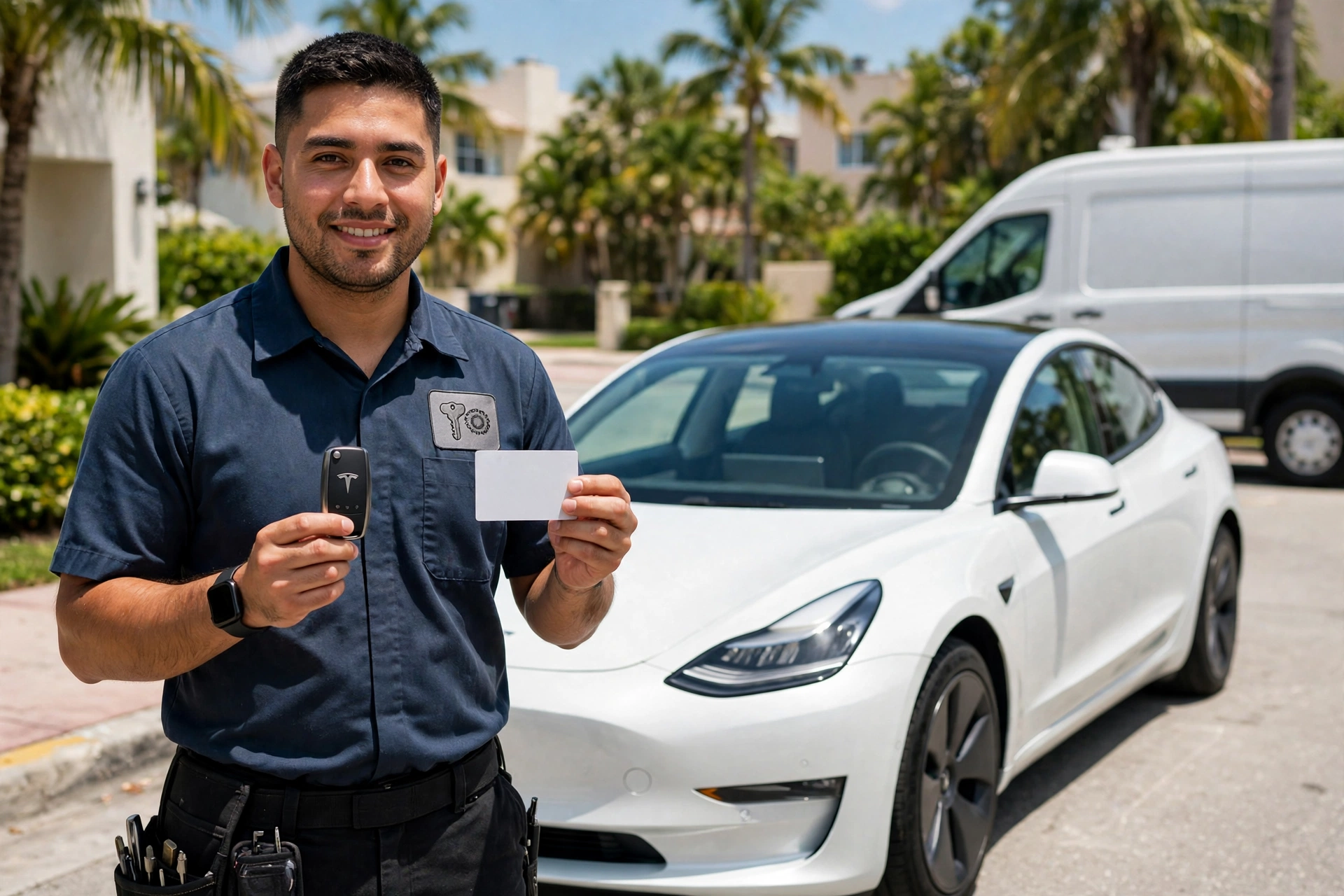
- Key card — Model 3 and Model Y. Most Model 3 and Model Y vehicles use a black key card that is tapped on the center console and on the driver’s door pillar to unlock and drive. The card is paired to the vehicle; a card that was never paired to your Tesla will not work, even if it looks identical.
- Key fob — Model S, Model X and optional for Model 3 and Model Y. Model S and Model X use a proximity key fob. A fob is also available as an accessory for Model 3 and Model Y. The fob must be the correct one for the model and must be paired to that vehicle.
- Phone key. Many owners drive with a phone key set up in the Tesla app. A phone key is convenient, but it depends on the phone, the app session and the Tesla account — losing the phone or losing account access is not the same as losing a card, and it is handled differently.
- No traditional ignition key on most models. There is no chip key to cut and insert the way there is on a gasoline car. Asking only for a “cut key” for a Tesla usually means the access type has not been confirmed yet.
- Pairing is vehicle-specific. A new key card or fob has to be added to that specific Tesla through the vehicle’s pairing process. In many cases the vehicle asks for an already-authorized card, fob or phone to approve adding a new one — which is why having at least one working access method changes the job completely.
- The model and year decide the options. A Model 3, Model Y, Model S and Model X do not all use the same access devices or the same pairing steps across years. Confirm the exact model and year before anyone promises a result.
Spare while you still have access vs. all access lost
- You still have one working key card, fob or phone key. This is the best and simplest case: a spare card or fob can usually be prepared and paired while an authorized access method is present, and the new device is tested locking, unlocking and allowing the vehicle to drive.
- You bought a used Tesla with only one key card. Make the spare now. A single key card is easy to lose, damage or leave inside the vehicle, and adding a second card while the first still works is always the straightforward case.
- Every card and fob is lost and there is no phone key. This is the hard case and it is different from an all-keys-lost job on a conventional car. Options depend on the model, the year and Tesla account access, and some situations require Tesla service involvement. Send the model and year first and wait for an honest confirmation of what can be done before anyone promises a time or a price.
- You are locked out but a key is inside or at home. That is a lockout, not a key replacement: the priority is opening the vehicle without damage and recovering the access you already have.
What happens during a Tesla key service visit
- Step 1 — You describe the vehicle and the access situation. Exact Tesla model and year, whether it is a key card, a fob or a phone key, and whether any working access method still exists.
- Step 2 — The correct device and route are confirmed. The access type and the pairing route for your model and year are confirmed before the technician rolls, so no one arrives with the wrong expectation.
- Step 3 — Ownership and account are verified on site. A driver’s license and the title or registration of the vehicle are reasonably required, and Tesla account access may be needed depending on the case. Be ready to show them.
- Step 4 — The new card or fob is paired and tested. The new device is added to the vehicle and tested unlocking, locking and allowing driving — not just handed over unpaired.
- Step 5 — Old access is discussed. If a card or fob was lost and you are concerned someone could use it, say so during the visit so the options for removing lost devices from the vehicle, where the model supports it, can be explained.
Common Tesla key problems we see in Miami
- Only one key card after buying used. Very common in South Florida. The spare should be made while that one card still works.
- Key card left inside the vehicle or lost at the beach, at work or in a parking garage. The vehicle cannot be driven — the service has to come to where the Tesla is.
- Phone lost, replaced or logged out of the Tesla app. The owner still has a card but no phone key, or has no working access at all. Describe exactly which access methods remain so the visit is prepared correctly.
- Key fob battery dead or fob not detected. On Model S and Model X, a weak fob battery or a damaged fob can look like a bigger failure. Say what the screen shows and when it happens.
- Key card damaged, cracked or demagnetized after water exposure. A card that works only sometimes should be replaced with a paired spare while it still works at least occasionally.
- Locked out with the card or phone inside. A damage-free opening is the first step; replacing a key you already have is not always necessary.
What to have ready when you call
- Year and exact Tesla model — Model 3, Model Y, Model S or Model X, and year
- Access type — key card, key fob, phone key, or a combination
- Whether any working access still exists — this changes the procedure completely
- Exactly what is missing or failing — the only card, a spare, a dead fob, or a lockout
- Your exact location in Miami-Dade — home, office, parking garage or roadside
- Proof of ownership — license plus title or registration, ready to show on site, and Tesla account access if you have it
- A photo of any remaining card or fob, if you have one — it helps confirm the access type before dispatch
Tesla service center vs. mobile locksmith for a Tesla key
- Tesla service route. Appropriate for account and system cases that only Tesla can resolve, and it works on Tesla’s schedule and location — difficult when the vehicle cannot be driven at all.
- Mobile locksmith route. For confirmed card and fob spares, pairing help and damage-free lockouts, the equipment comes to where the Tesla is in Miami-Dade, the scope and price are confirmed before the work starts, and the new access is tested on your vehicle before the job is finished.
- The key point is honesty about the case. A spare while access exists is a different job from total loss of access. Confirm the model, year and remaining access first — a generic promise made without those three facts is a red flag on a Tesla.
Service areas
Our mobile units cover Miami, Miami Beach, Doral, Kendall, Coral Gables, Brickell, Downtown, Wynwood, Hialeah, Aventura, Homestead and Miami Springs, and we serve drivers across South Florida.
Frequently asked questions
Can you add a spare Tesla key card if I still have one working card? In many cases, yes. Adding a spare card or fob while an authorized access method exists is the standard case for Model 3 and Model Y. Send the model and year and we confirm the device and the price before dispatch. Proof of ownership is required.
I lost every Tesla key card and fob and I have no phone key. Can you still help? It depends on the model, the year and Tesla account access, and some total-loss situations require Tesla service involvement. Tell us exactly what access remains — including whether you can sign in to the Tesla account — and we give you an honest confirmation before anyone is dispatched.
Is a Tesla phone key the same as a key card? No. A phone key works through the Tesla app and your account; a key card is a physical device paired to the vehicle. Losing a phone and losing a card are different situations with different solutions.
My Tesla is locked with the key inside. Do I need a new key? Usually not first. A damage-free lockout opening recovers the access you already have. A spare card is still a smart addition once you are back in.
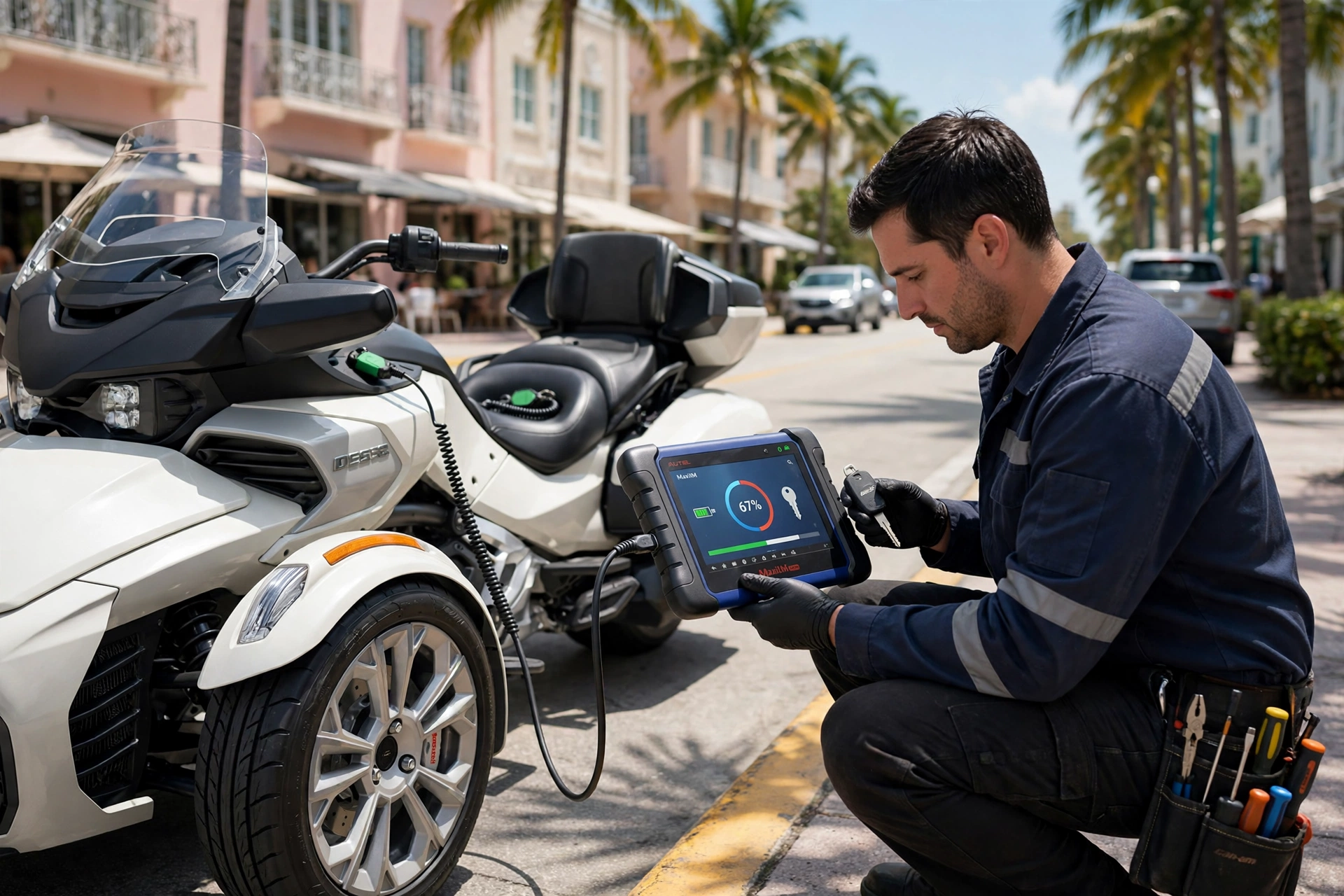
Do you also make keys for other car brands and motorcycles? Yes. We cut and program car transponder and smart keys for American, European and Japanese brands, and motorcycle chip and proximity keys — mobile service in Miami-Dade.
Get back into your Tesla with the right access
A Tesla without recognized access does not need guesswork — it needs the correct card or fob for its model and year, paired and tested where the vehicle is, with an honest confirmation first when access is limited. Send the model, year, access type, what was lost and your location in Miami-Dade, and we confirm the scope and the price before we roll. Matrix Locksmith Pro — Tesla, car and motorcycle key service across Miami-Dade.